A Fab Lab Turns Digital Design Into Hands-On Fabrication
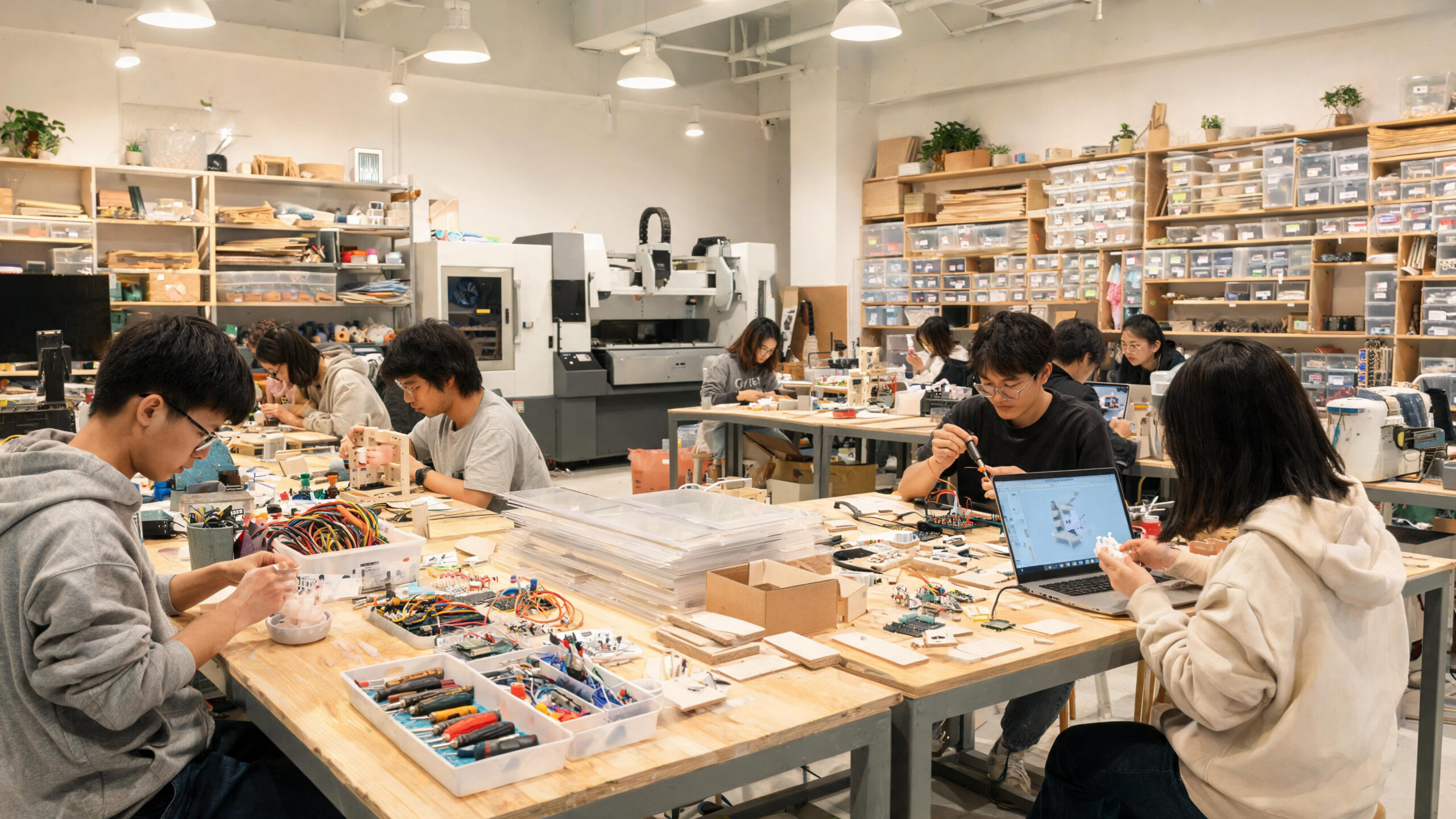
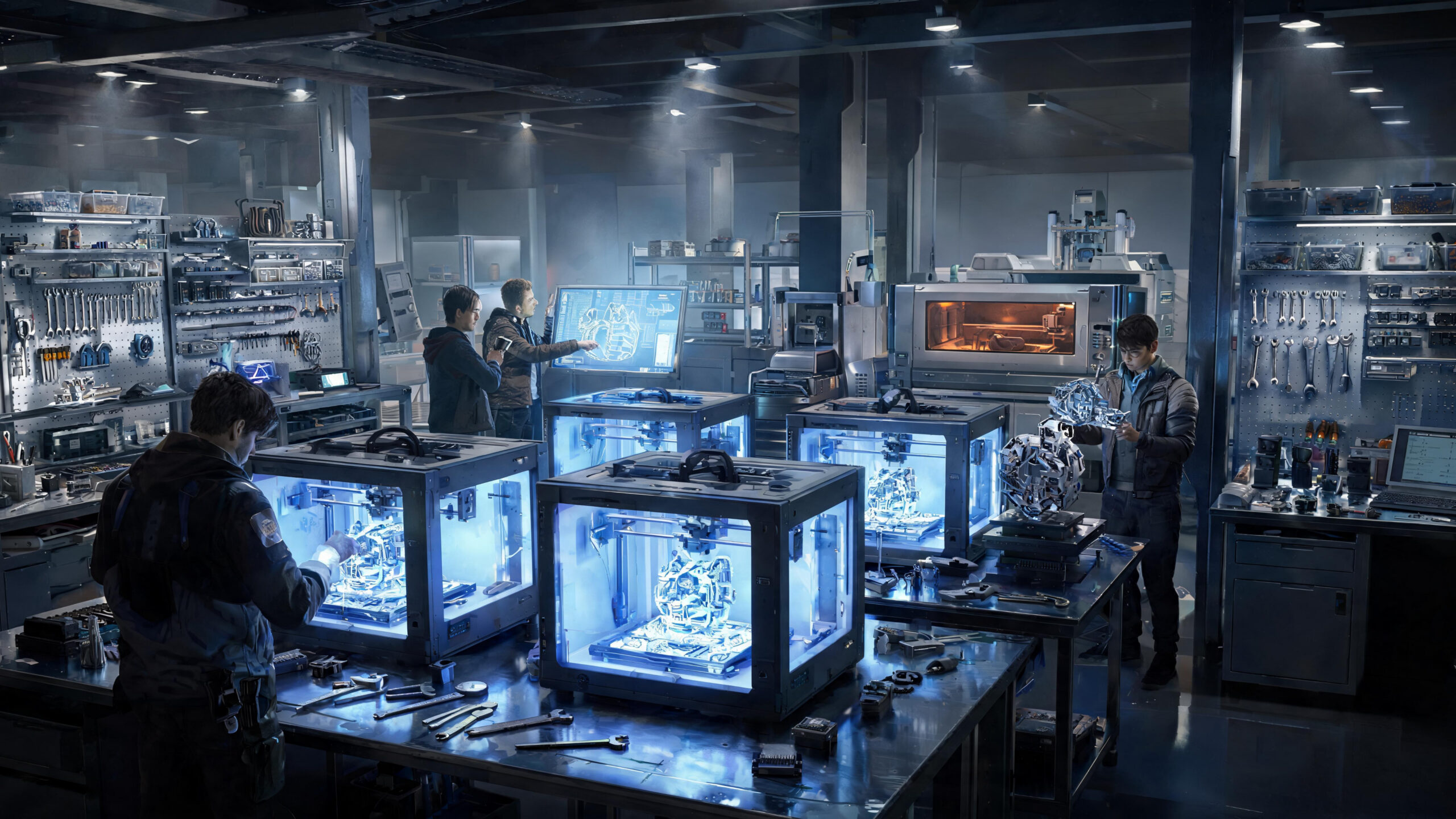
A fab lab is a shared workshop built around digital fabrication, practical learning, and access to tools that help people turn ideas into physical objects. A typical lab may include 3D printers, laser cutters, CNC routers, electronics benches, sewing tools, design software, hand tools, and training support. The value is not only the equipment. A strong fab lab teaches safe workflow, design thinking, material choice, and iteration.
A: Clear design intent, suitable material, controlled setup, safe workflow, and repeatable inspection.
A: It shows how the material and tool settings behave before the final part is at risk.
A: No. Tighter tolerance costs more and only helps when the function requires it.
A: Tool wear, speed, feed, abrasive choice, heat, vibration, or weak support can all contribute.
A: Heat, internal stress, uneven removal, poor clamping, or forming pressure can move material.
A: Use templates, mark clearly, cut oversize when appropriate, and inspect before each irreversible step.
A: Prototypes test ideas, while production work controls repeatability.
A: Surface prep, cleaning, masking, curing, and inspection often require more time than the main cut.
A: Ventilation and dust control are often overlooked until a process creates fumes or fine particles.
A: Confirm fit, function, finish, documentation, and any maintenance needs.
What a Fab Lab Is
A fab lab is a fabrication laboratory where users can design, prototype, repair, customize, and learn through physical making. Many are connected to schools, libraries, universities, nonprofits, or community programs.
The exact tool list varies, but the core idea is access. People who could not justify buying every machine can still learn how fabrication works and build useful projects.
In shop terms, a fab lab affects how the fabrication work moves from a drawing into a part that can be held, cut, checked, and finished. For this fabrication project, that keeps the choice grounded in the actual build rather than a generic preference. It also gives the builder a specific thing to watch while a fab lab moves from plan to shop work.
The detail deserves a small reality check before the next operation. A sample, dry fit, or first-piece inspection can show whether the plan is behaving as expected. A quick measurement or shop note at this point can prevent a much larger correction later and keep the next operation from hiding the problem. That kind of early review is usually faster than repairing a finished part after the mistake is buried.
That check gives the team a concrete signal instead of a vague impression. If fit, edge quality, release, alignment, or finish starts to drift, the process can be corrected early. It also makes responsibility clearer when design, setup, cutting, and finishing overlap. For this fabrication project, the same habit supports cleaner communication between design, fabrication, inspection, and finishing.
The practical next step is to document the setting, mark the feature clearly, and keep the result tied to the drawing so the same choice can be repeated later. The result is a a fab lab decision that can be inspected, explained, and improved on the next run without rebuilding the whole plan. The payoff is a part that reaches the next step with fewer surprises and a clearer record of what changed.
Common Tools and Work Areas
Many fab labs include 3D printers, laser cutters, CNC routers, vinyl cutters, soldering stations, sewing machines, scanners, computers, and basic hand tools.
More advanced spaces may include mills, lathes, vacuum formers, woodworking tools, metalworking areas, or finishing rooms. Training rules usually control who can use each machine.
For this fabrication project, common tools and work areas is not an isolated detail. It influences material selection, setup time, tool access, and the amount of correction needed after the main operation. That keeps the work tied to fit, finish, safety, and cost instead of treating the detail as decoration. It also gives the builder a specific thing to watch while common tools and work areas moves from plan to shop work.
A builder can treat this part of the work as a decision point: continue with the current setup, adjust the geometry, change the tool, or run a smaller trial first. When common tools and work areas is checked early, the builder has more options and less pressure to force a fix at the end after the part is already committed. That kind of early review is usually faster than repairing a finished part after the mistake is buried.
That decision is easier when the part is checked against the real stock and the real mating surfaces rather than only against an ideal model. It also gives the next person in the workflow a clearer reason for the chosen setup. For this fabrication project, the same habit supports cleaner communication between design, fabrication, inspection, and finishing.
Good notes matter here because they turn one successful setup into a repeatable method for the next part, batch, repair, or revision. For this fabrication project, that record can be reused when the material, tooling, or quantity changes and the shop needs the same result again. The payoff is a part that reaches the next step with fewer surprises and a clearer record of what changed.
Digital Design Comes First
Fab lab work often starts with a digital file: a CAD model, vector drawing, circuit layout, scan, or pattern. The file connects the design idea to the machine.
Clean files matter. Wrong scale, open vectors, weak geometry, and missing dimensions can waste material even when the machine is working properly.
The value of digital design comes first becomes clear when the project reaches the bench. Small differences in thickness, radius, heat, clamp pressure, or surface prep can change the result. For this fabrication project, the payoff is fewer surprises when the part reaches assembly or finishing. It also gives the builder a specific thing to watch while digital design comes first moves from plan to shop work.
Instead of waiting for final assembly to reveal the issue, the shop can look for early signs: uneven fit, rough edges, distortion, poor release, or extra finishing work. A short pause here can protect the schedule because the correction is still small and visible. That kind of early review is usually faster than repairing a finished part after the mistake is buried.
Those signs help separate a design issue from a setup issue. The fix may be a cleaner drawing note, a different sequence, a new fixture, or a more suitable material. That makes digital design comes first a practical control point instead of a vague shop preference, especially when multiple people touch the same job. For this fabrication project, the same habit supports cleaner communication between design, fabrication, inspection, and finishing.
Handled this way, the topic becomes a working checklist rather than filler. It points to the specific shop condition that needs attention before the job advances. The next build starts from a known condition rather than from memory or guesswork. The payoff is a part that reaches the next step with fewer surprises and a clearer record of what changed.
Training and Safety
A good lab teaches users how to operate tools safely before independent use. Lasers, routers, soldering stations, blades, dust, fumes, and hot surfaces all need respect.
Safety also includes material rules. Some plastics should not be cut on lasers, some dust needs collection, and some adhesives or finishes require ventilation.
Training and safety also shapes communication. Designers, programmers, fabricators, and finishers need to know which surfaces matter and which dimensions have room to breathe. That context helps the team avoid spending time on details that do not change performance. It also gives the builder a specific thing to watch while training and safety moves from plan to shop work.
When that priority is clear, the shop can spend effort where it improves the finished part instead of chasing precision or polish in the wrong place. Checked early, training and safety can guide a better fixture, clearer drawing note, or cleaner finishing plan before the expensive steps begin. That kind of early review is usually faster than repairing a finished part after the mistake is buried.
The best review point is simple: compare the part to its function, not just to its appearance. Fit, strength, safety, and service conditions decide whether the work is ready. The process also becomes easier to teach because the reason behind the step is visible. For this fabrication project, the same habit supports cleaner communication between design, fabrication, inspection, and finishing.
If the review exposes a problem, changing one variable at a time keeps the lesson useful. That habit prevents the next attempt from becoming another guess. For this fabrication project, that kind of clarity is what turns a one-off success into a repeatable method instead of a lucky result. The payoff is a part that reaches the next step with fewer surprises and a clearer record of what changed.
Prototyping and Iteration
Fab labs are excellent for iteration because users can make a version, test it, revise the file, and build again quickly.
This cycle is useful for product ideas, classroom projects, repairs, assistive devices, art, displays, and fixtures. The first version rarely needs to be perfect; it needs to teach the next move.
In a real fabrication workflow, prototyping and iteration often determines whether a project feels controlled or improvised. It affects setup choices before anyone reaches the final finish. For this fabrication project, this keeps the work practical and prevents the design intent from getting lost on the bench. It also gives the builder a specific thing to watch while prototyping and iteration moves from plan to shop work.
The safest approach is to confirm the feature while it can still be changed. Once parts are welded, coated, bonded, or delivered, small corrections become expensive. The review does not need to be formal; it needs to happen while the part can still be changed. That kind of early review is usually faster than repairing a finished part after the mistake is buried.
Early confirmation can be as simple as a layout review, a gauge check, a scrap test, or a short conversation between the person designing and the person building. That makes prototyping and iteration easier to connect with material behavior, operator safety, and final quality in a way the whole team can follow. For this fabrication project, the same habit supports cleaner communication between design, fabrication, inspection, and finishing.
That feedback loop protects schedule and material. It also keeps the subject tied to decisions a maker can actually use in the shop. A clear record also helps future repairs, repeat orders, and design revisions move faster. The payoff is a part that reaches the next step with fewer surprises and a clearer record of what changed.
Community and Skill Sharing
The community side of a fab lab can be as useful as the machines. Experienced users often help beginners understand materials, workholding, settings, and design shortcuts.
Shared spaces work best when members document settings, clean up, report damage, and respect reservations. Culture affects output quality.
Community and skill sharing is worth slowing down for because it sits at the boundary between design intent and shop reality. That is especially useful when the same project involves several machines, materials, or finishing steps. It also gives the builder a specific thing to watch while community and skill sharing moves from plan to shop work.
If the operation is rushed, the first warning may appear as rework: extra sanding, a stuck part, a poor joint, a warped edge, or a dimension that no longer matches the assembly. If community and skill sharing creates trouble, the team can still adjust the sequence before the problem is buried under later cuts, coatings, or assemblies. That kind of early review is usually faster than repairing a finished part after the mistake is buried.
A better workflow builds in a midpoint review. The part is checked while there is still time to adjust toolpath, pressure, heat, fixture location, or finish preparation. The lesson is more valuable when the change is measured, named, and connected to the result. For this fabrication project, the same habit supports cleaner communication between design, fabrication, inspection, and finishing.
That review does not make the job complicated. It keeps the work honest by connecting each visible detail to the process that created it. For this fabrication project, that makes the workflow sturdier without adding unnecessary complexity or slowing every future job. The payoff is a part that reaches the next step with fewer surprises and a clearer record of what changed.
Costs and Access Models
Some fab labs use memberships, day passes, course fees, school access, grant support, or public-library models. Costs may include materials, machine time, or required classes.
A beginner should ask what is included: training, storage, consumables, software, supervision, and access to higher-risk machines.
For a maker or small shop, costs and access models is often where experience turns into judgment. The drawing may name the feature, but the material decides how forgiving it will be. For this fabrication project, that judgment helps separate what must be controlled from what can vary safely. It also gives the builder a specific thing to watch while costs and access models moves from plan to shop work.
Watching the first piece closely helps reveal whether the chosen process is stable. A clean result on one sample is useful only if the method can be repeated. The first piece is the best place to learn because it exposes problems before they multiply. That kind of early review is usually faster than repairing a finished part after the mistake is buried.
Repeatability comes from boring habits that work: consistent setup, labeled parts, measured changes, clean surfaces, and tools that are maintained before they force a mistake. When costs and access models is recorded clearly, the next setup begins with a shop record instead of a fresh guess about what worked last time. For this fabrication project, the same habit supports cleaner communication between design, fabrication, inspection, and finishing.
Those habits make the fabrication process easier to improve because every revision has a known starting point instead of a pile of disconnected fixes. That is how small fabrication habits become durable process knowledge. The payoff is a part that reaches the next step with fewer surprises and a clearer record of what changed.
How to Get the Most From a Fab Lab
The best approach is to start small, learn one tool at a time, and keep notes. A simple project done well builds more skill than an oversized project that stalls.
Users who arrive with sketches, measurements, and material questions usually make better progress than users who treat the lab as a magic production service.
How to get the most from a fab lab is best judged by the finished use of the part. A decorative panel, structural bracket, mold, enclosure, or prototype may need a different level of control. That keeps the decision useful for the person making the part, not only for the person reviewing the drawing. It also gives the builder a specific thing to watch while this detail moves from planning into real shop work.
The shop can avoid overbuilding by asking which surfaces carry load, which edges are handled, which features locate the assembly, and which details mostly affect appearance. Early control over this detail also reduces the temptation to hide a problem with extra finishing work after the core process has already drifted. That kind of early review is usually faster than repairing a finished part after the mistake is buried.
That question keeps cost and quality in balance. It helps the builder decide where to accept ordinary variation and where to tighten the process. The goal is a part that meets its purpose with the least amount of rework and confusion. For this fabrication project, the same habit supports cleaner communication between design, fabrication, inspection, and finishing.
Once that choice is made, the work becomes easier to explain, inspect, and repeat because the reason behind the detail is visible. For this fabrication project, that balance is often what separates a clean build from a frustrating one when the schedule gets tight. The payoff is a part that reaches the next step with fewer surprises and a clearer record of what changed.
Bottom Line on Fab Labs
A fab lab works by combining digital design tools, shared machines, training, and community knowledge. It helps users build real objects while learning the practical habits that make fabrication safer and more repeatable.